SPECS: Reveal and Launch
Client: Snap Inc. Production: FutureDeluxe Role: Technical Director & Motion Designer Year: 2026
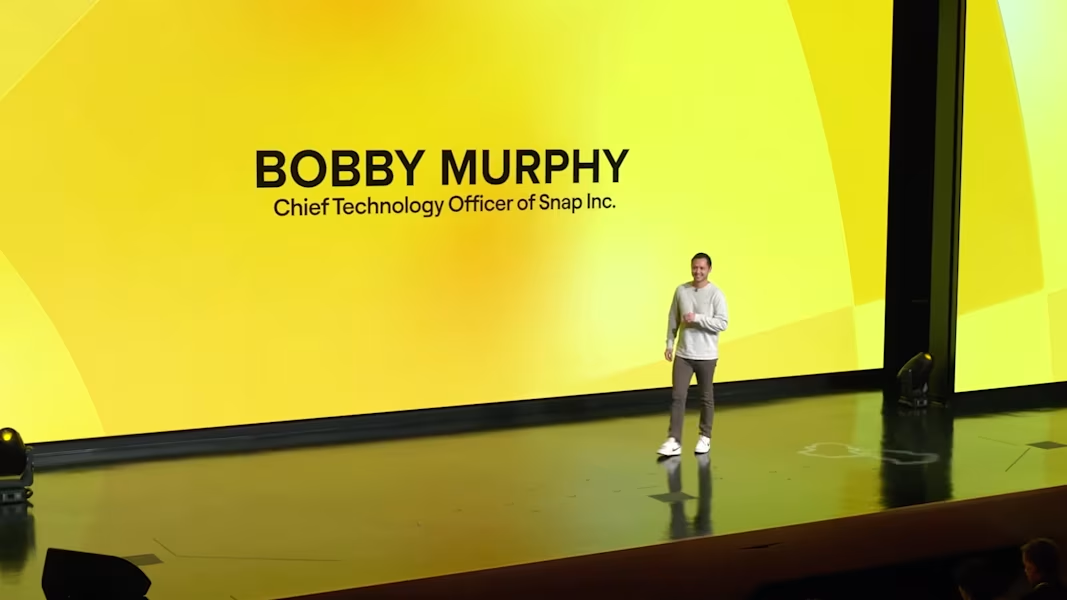
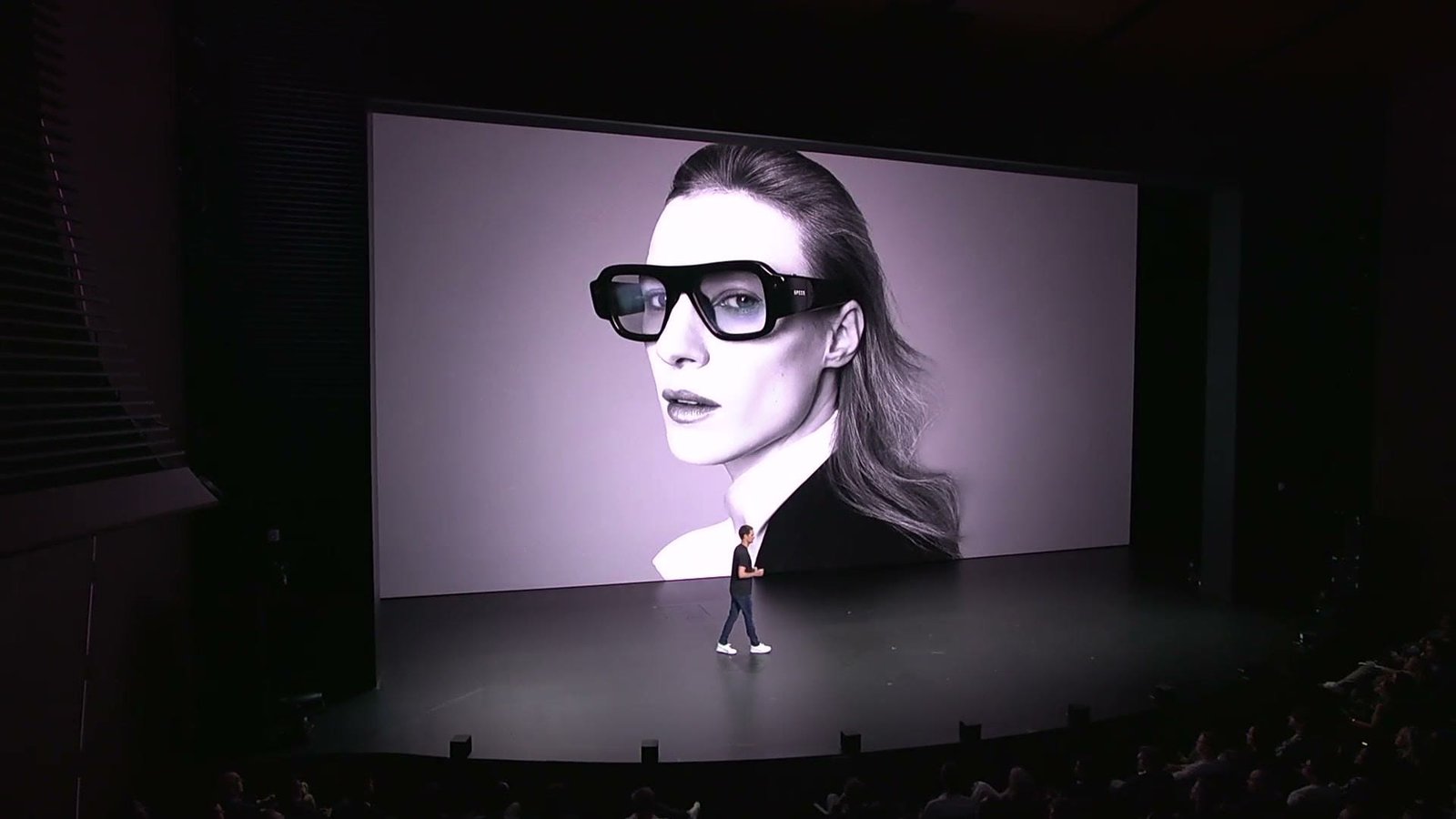
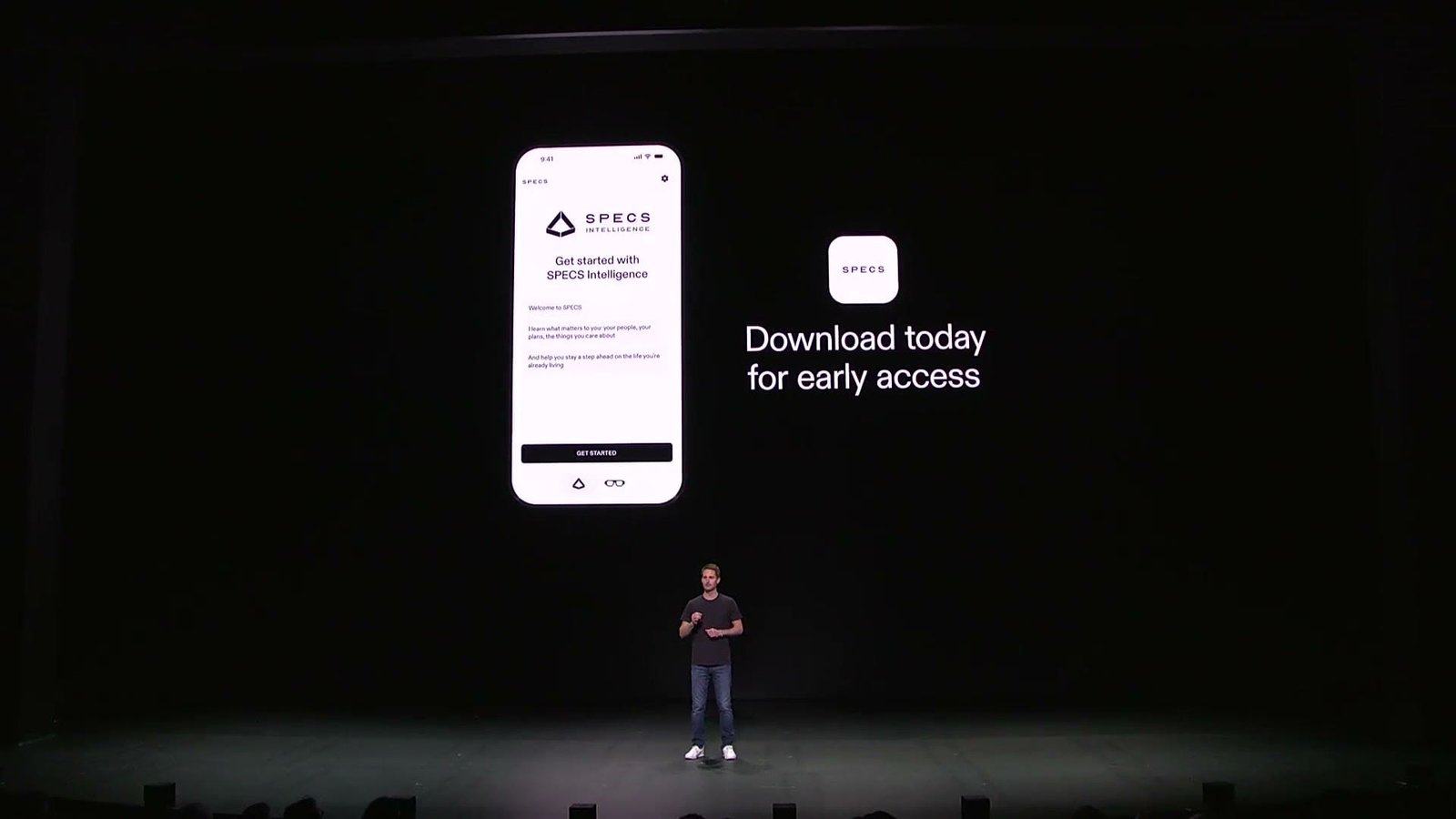
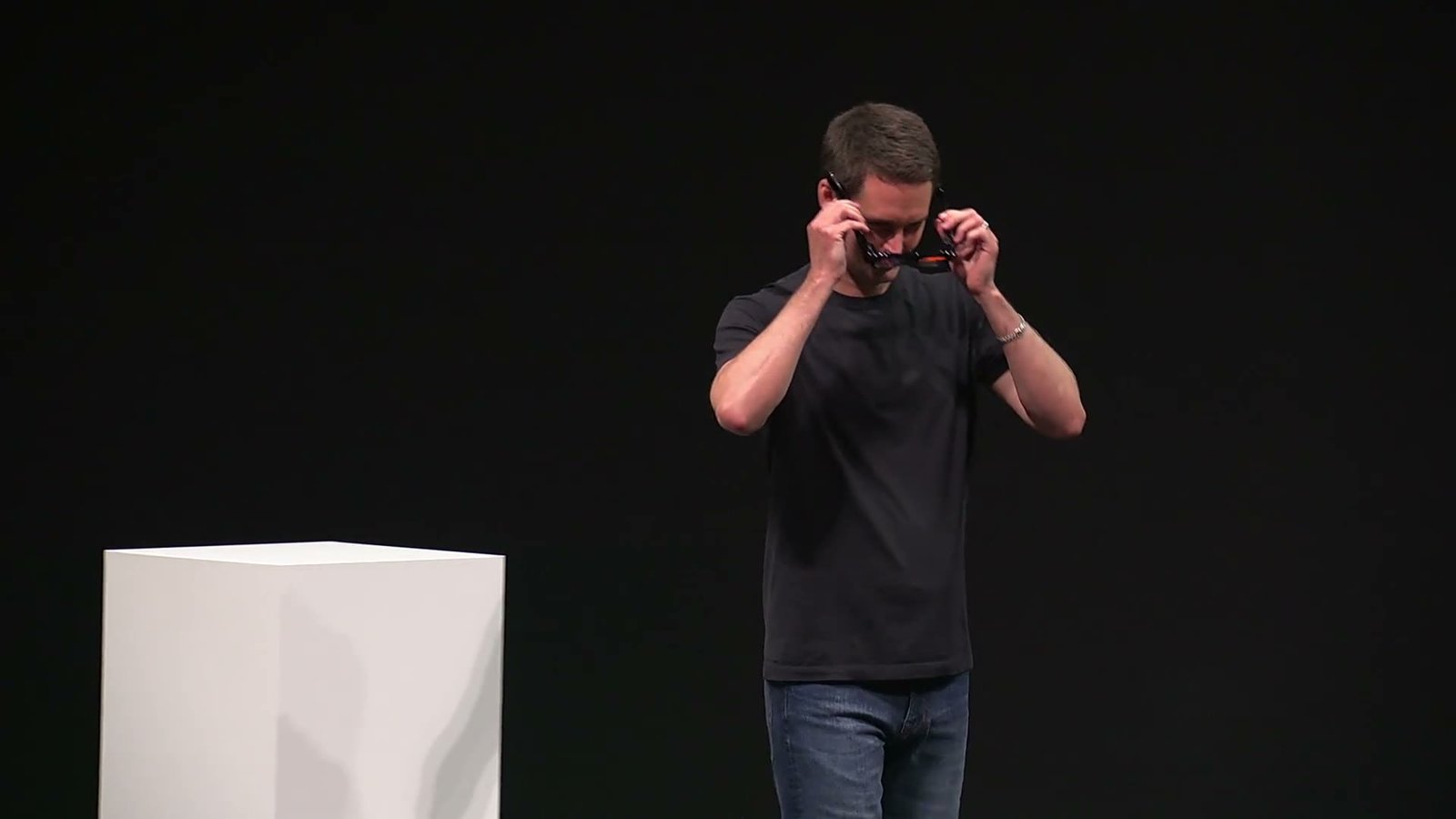
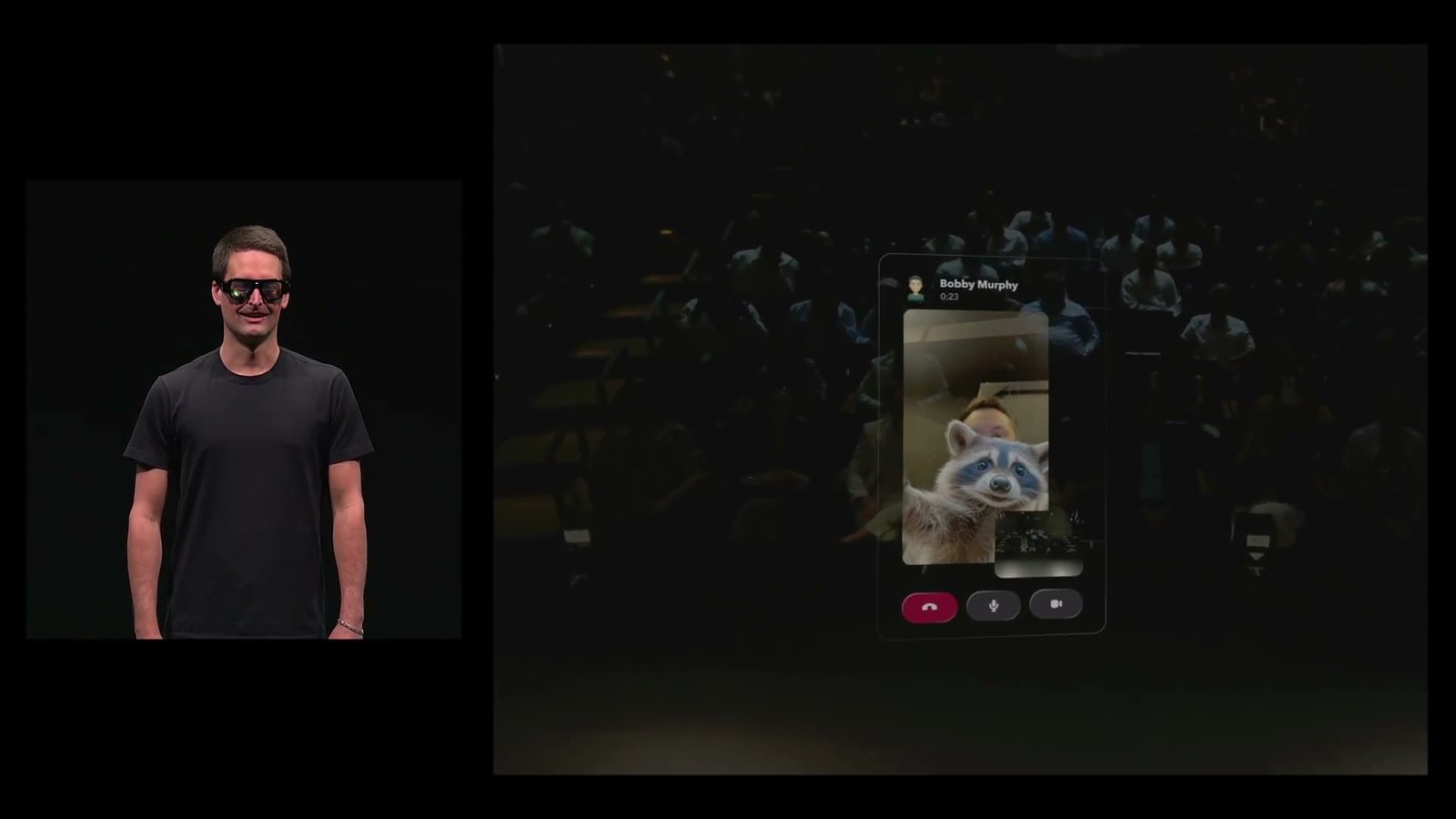
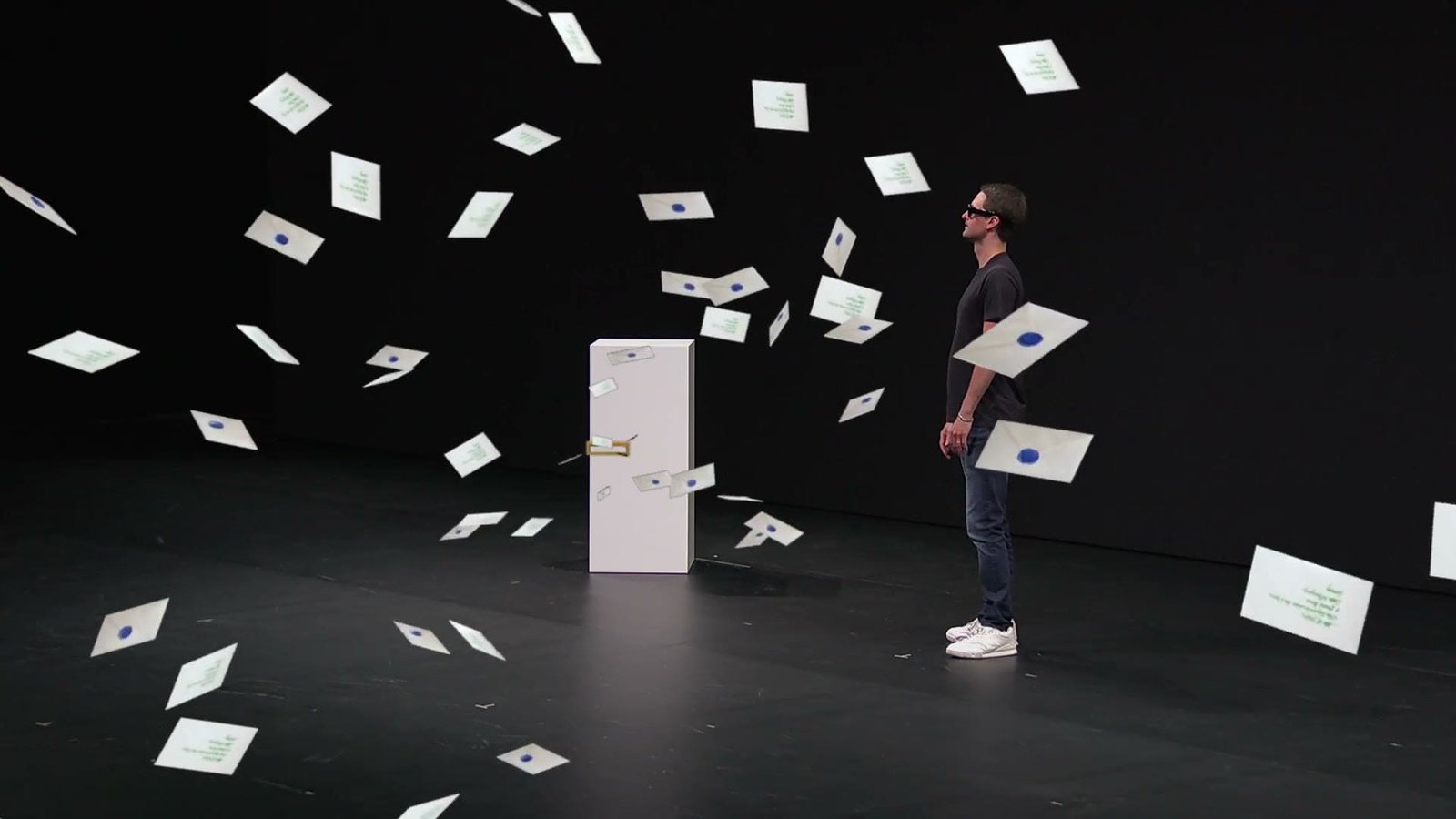
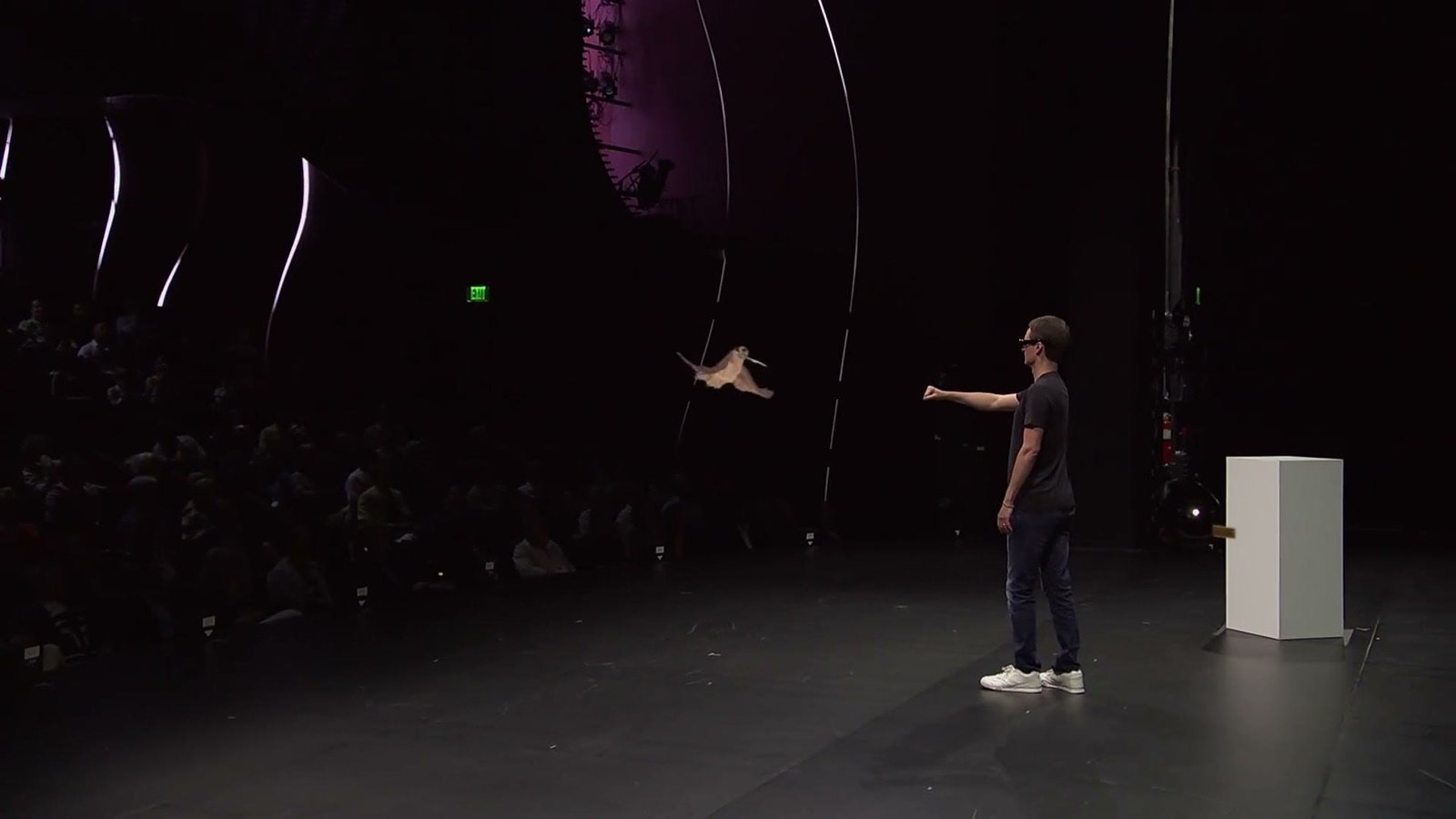
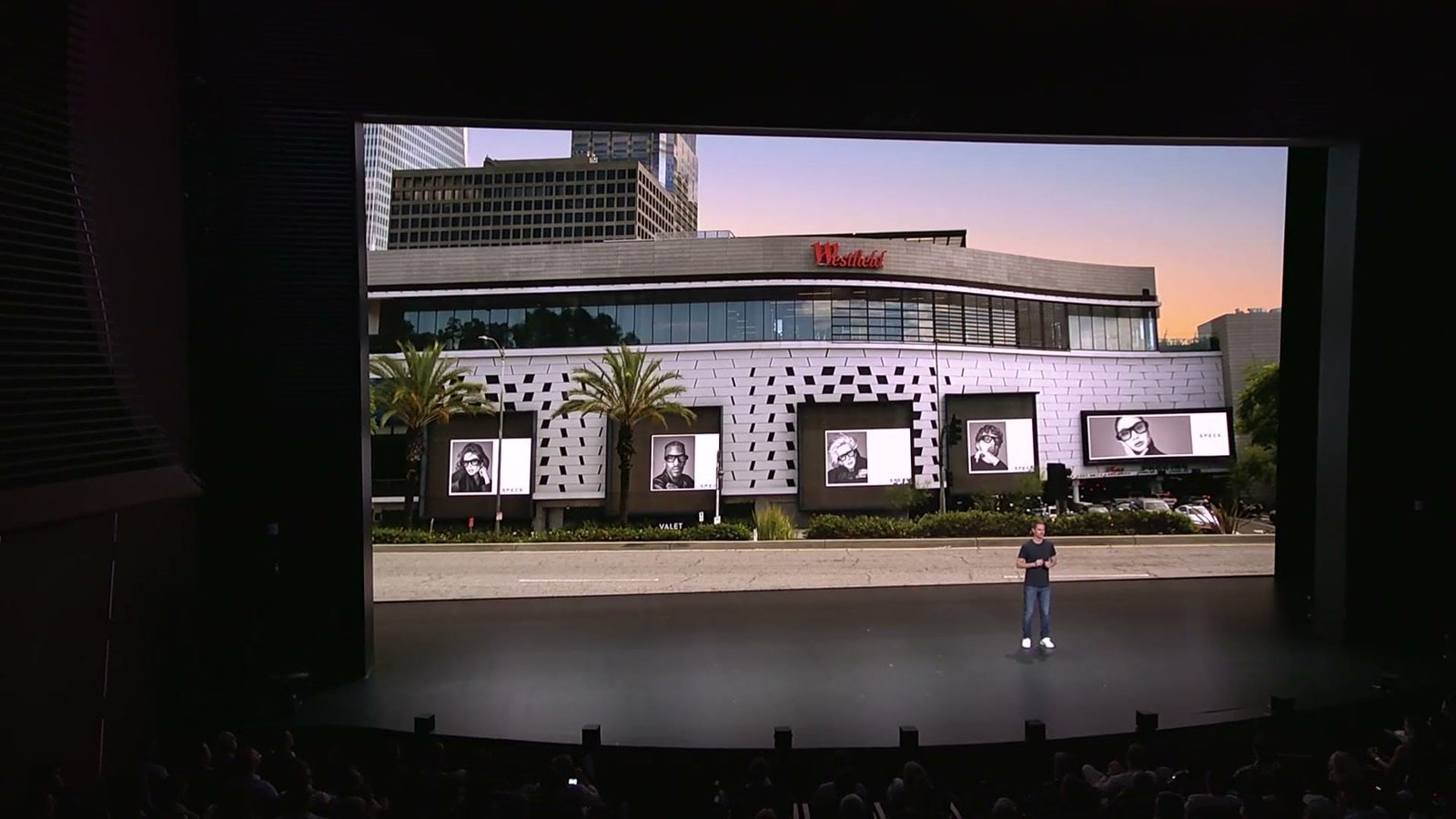
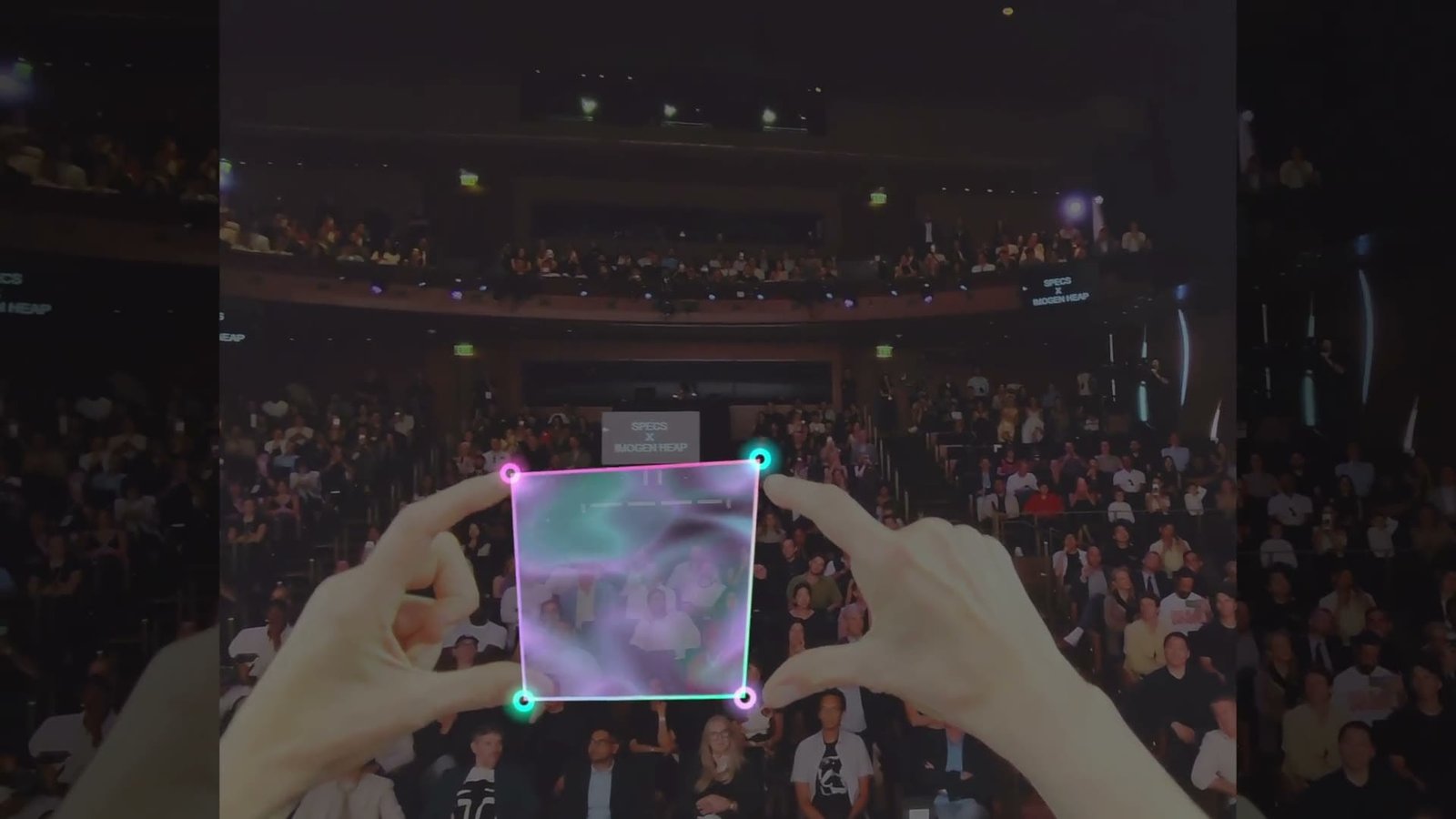
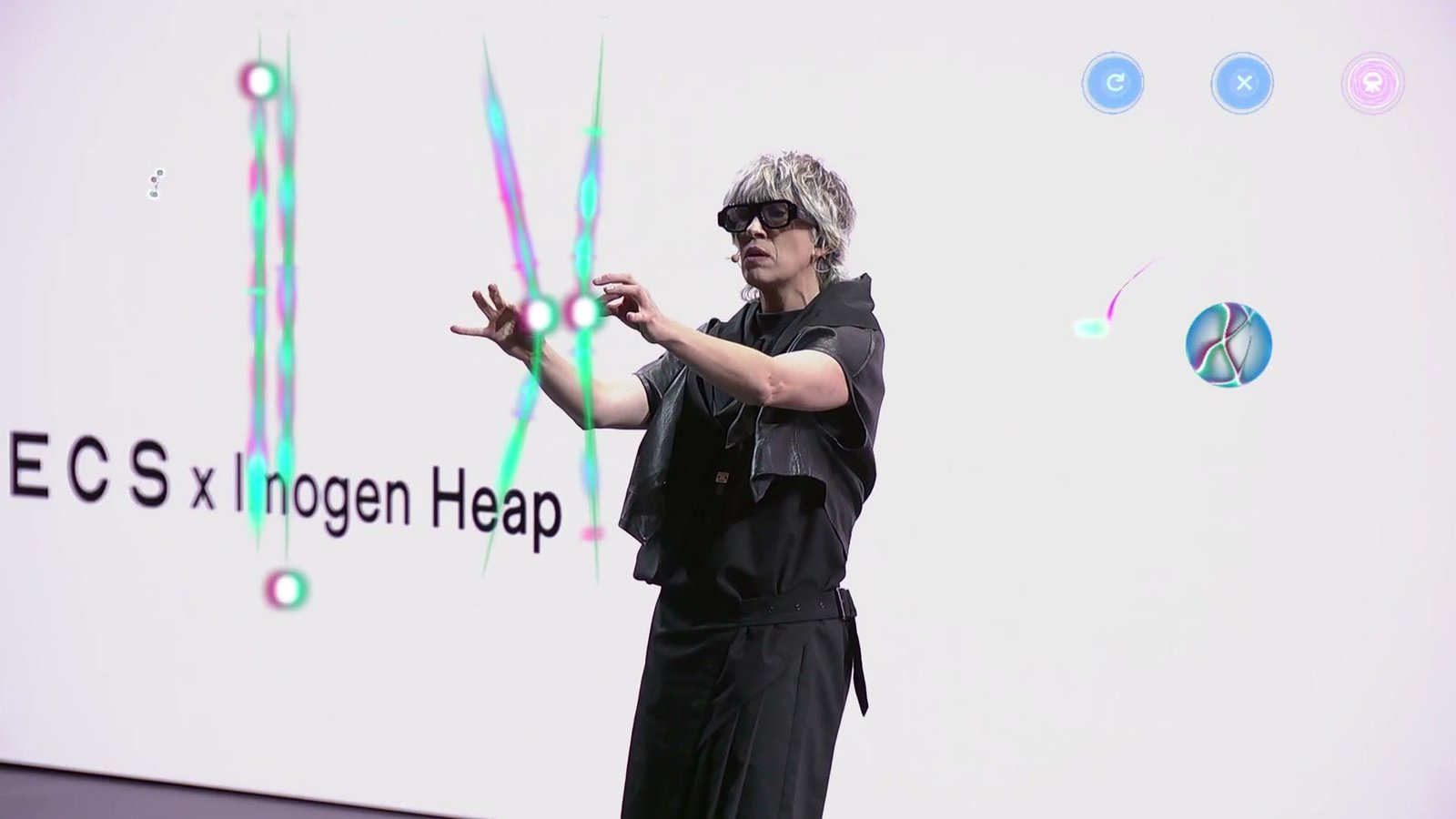
SPECS is Snap’s AR glasses. With FutureDeluxe, I was Technical Director and motion designer for both stages of its launch: the reveal in Evan Spiegel and Bobby Murphy’s AWE 2026 keynotes in Long Beach, and Snap’s own product launch at the Wallis in Beverly Hills three months later.
Across both shows I built the system the team worked in: a production spreadsheet as the single source of truth, a Figma plugin and After Effects scripts that set up every slide and comp to spec, AppleScript automation for the multi-screen Keynote, and render specs for Keynote and Disguise playback.
The Reveal: AWE 2026
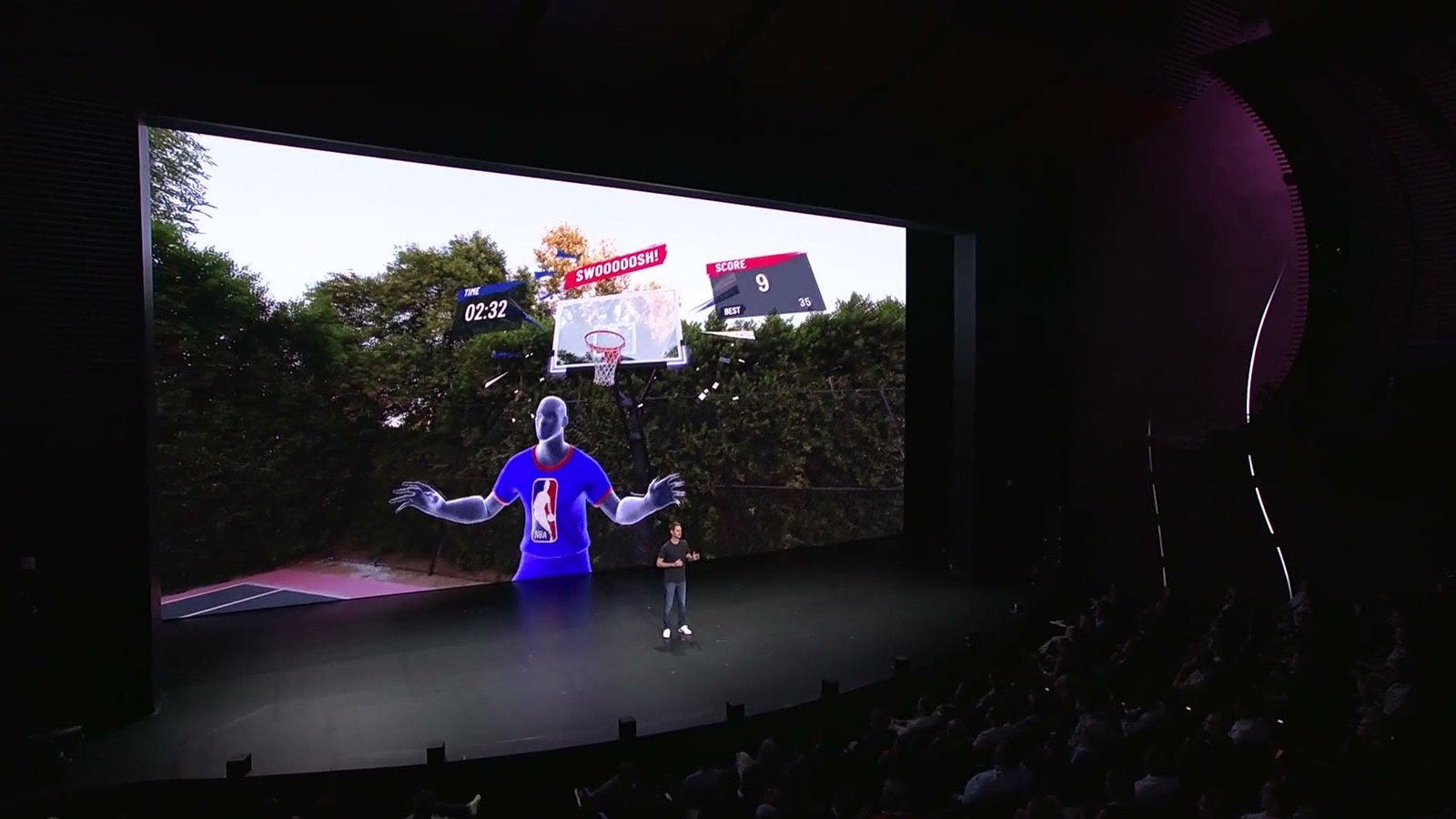
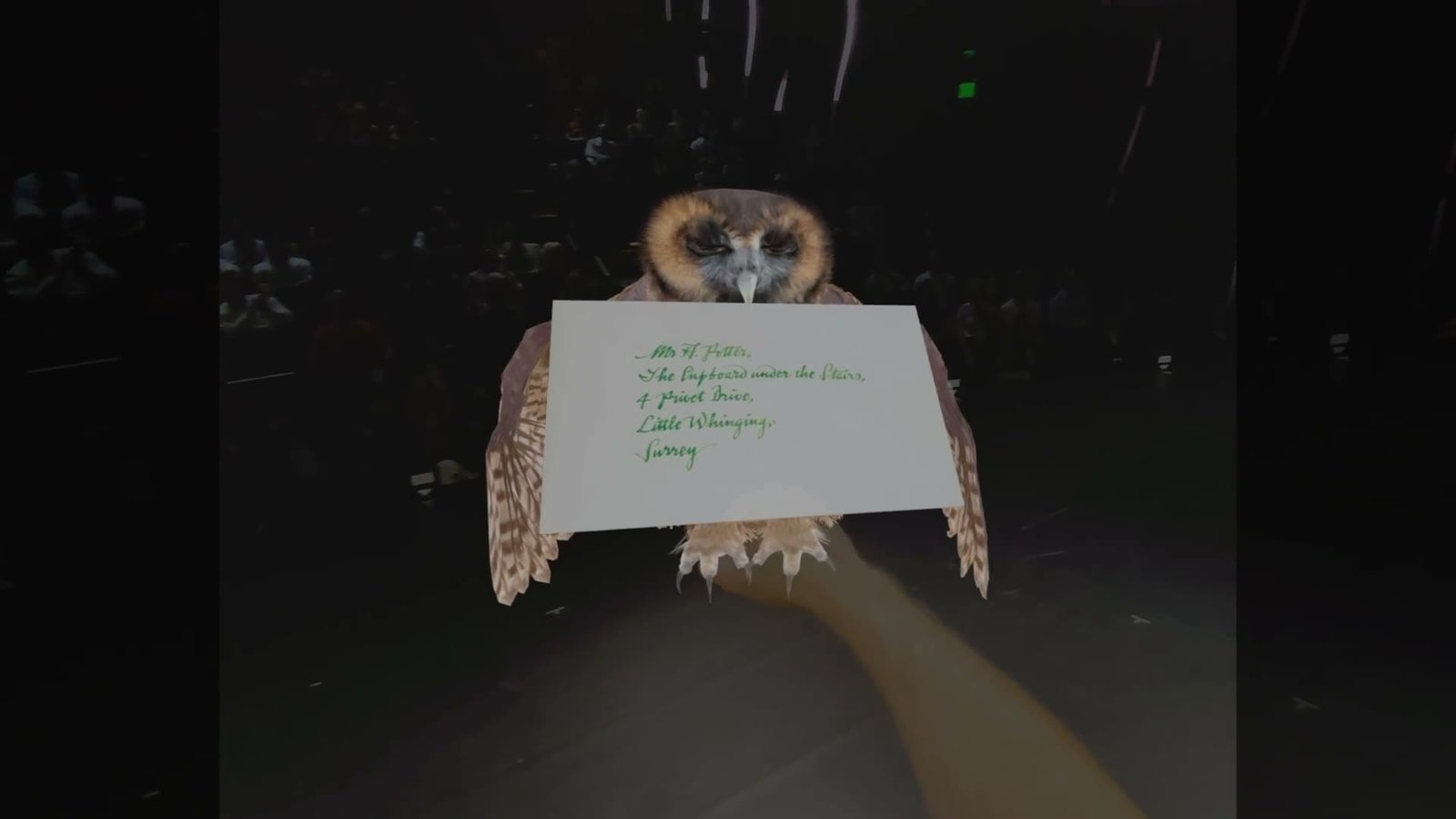
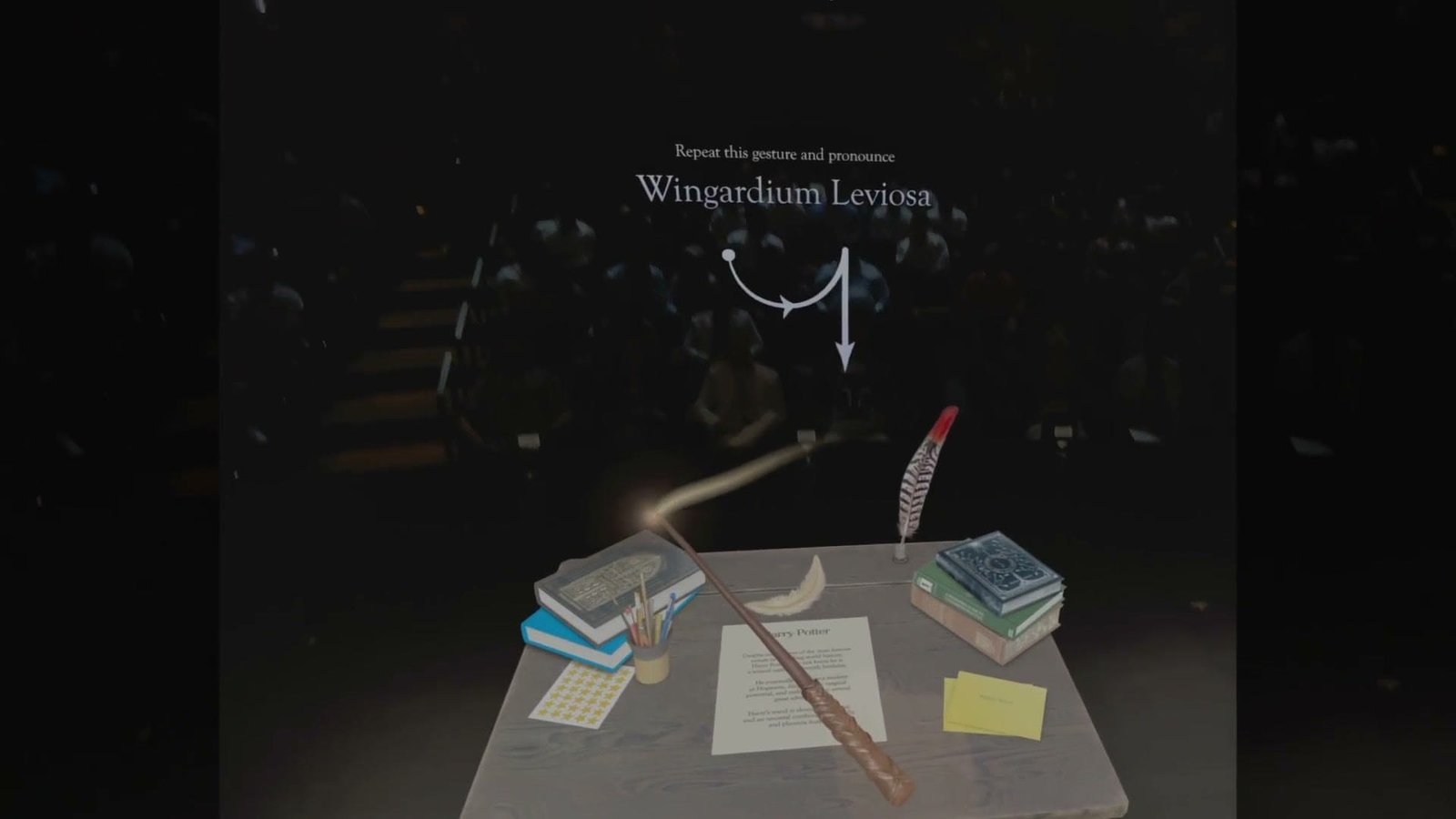
SPECS was introduced on stage in Evan Spiegel and Bobby Murphy’s keynotes at AWE USA 2026. I designed and animated graphics and built the multi-screen Keynote presentation: more than 100 slides across the center and side LED screens.
The Launch: The Wallis
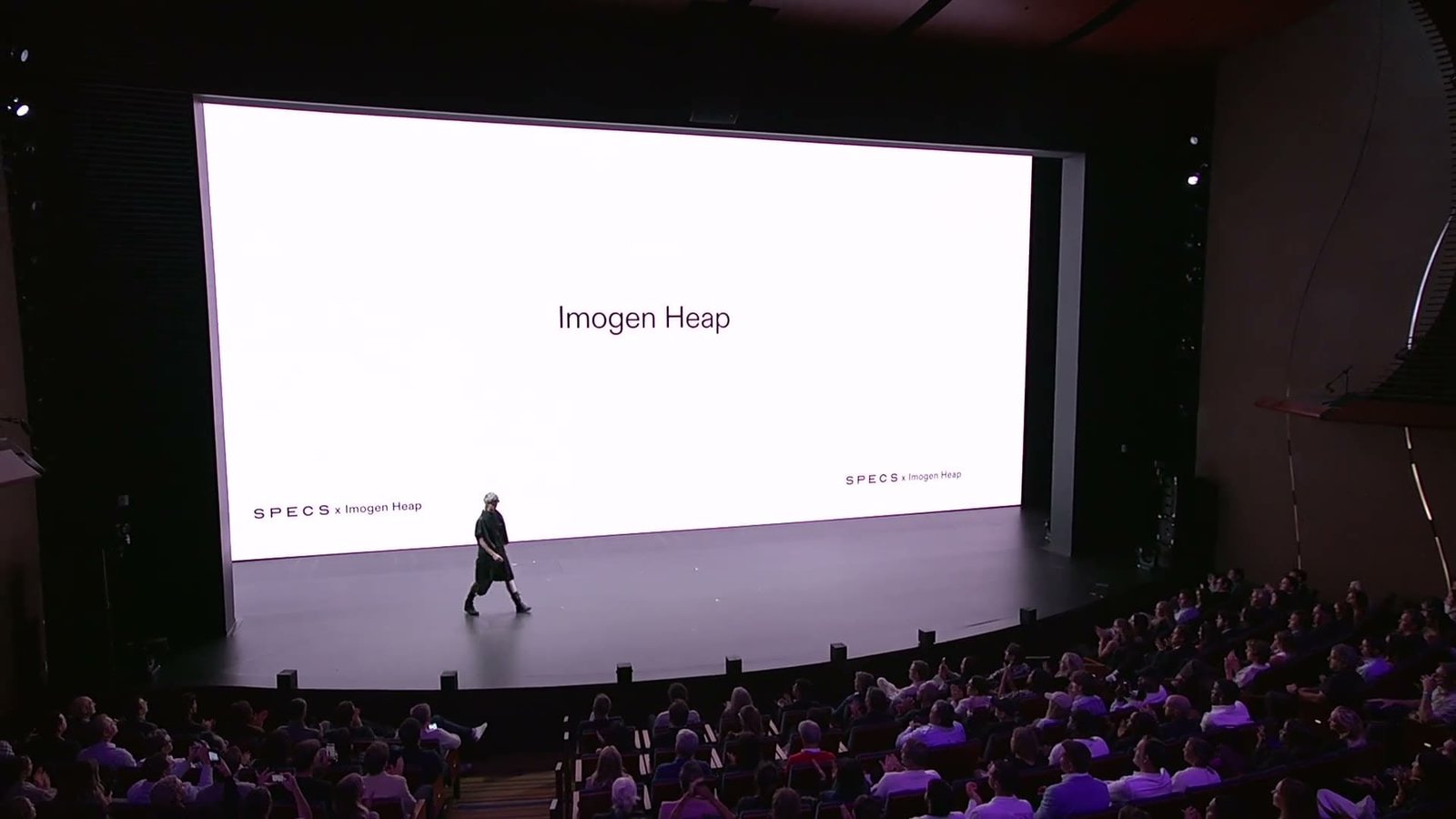
Three months later, Snap took SPECS to its own stage at the Wallis in Beverly Hills, played back live through Disguise on a 6912×3270 LED wall. I rebuilt the brand motion toolkit into a rigged system, designed and animated keynote graphics, handled ingest and NotchLC encoding for the show’s films, and set the specs the team delivered to, from a safe zone tuned for every seat to an HD version for the livestream.
Production Pipeline
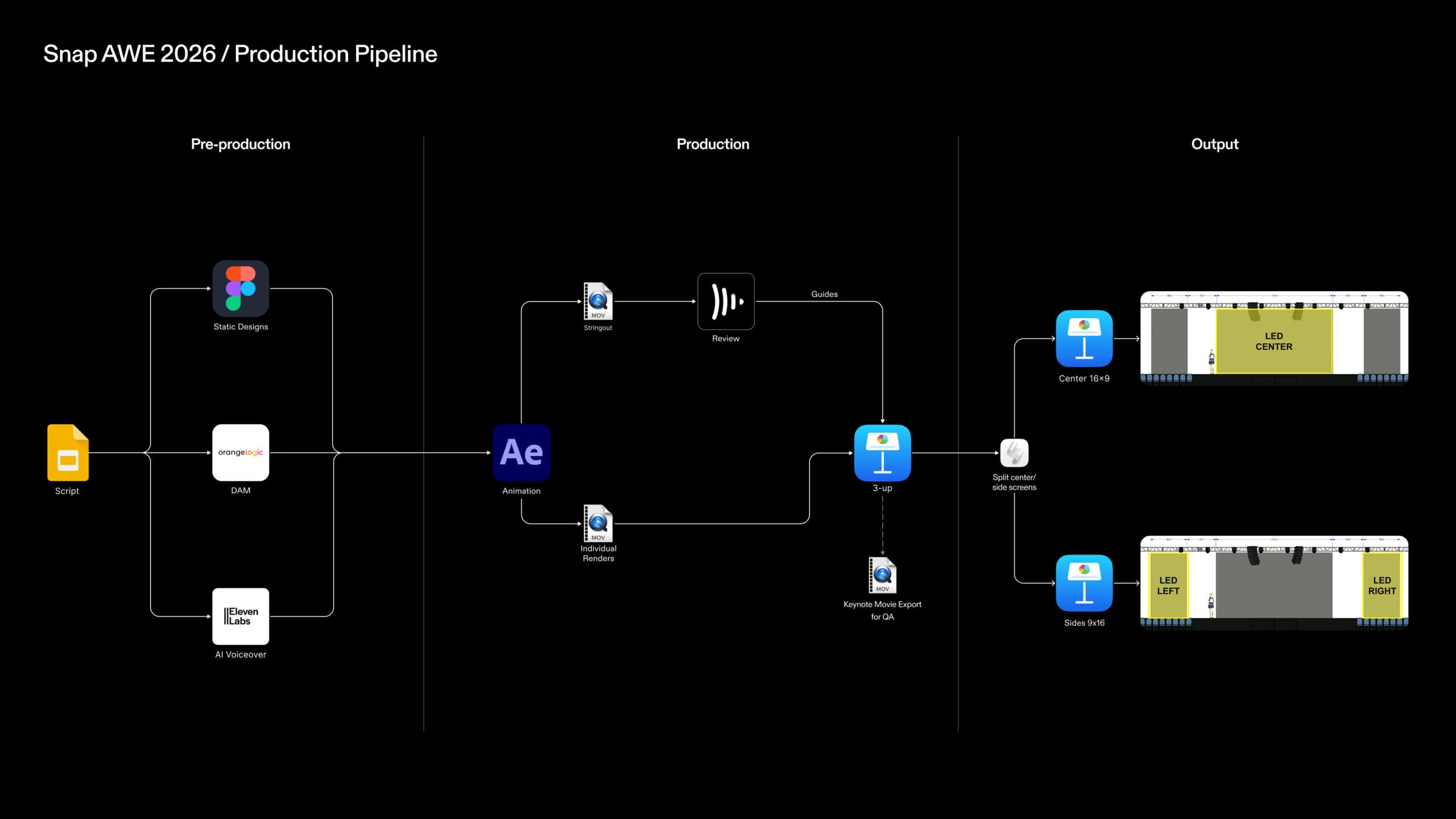
From script to screen, this diagram visualize how assets moved through production and onto the LED stage.
Production Tooling
With over 100 slides across two keynotes and multiple artists working simultaneously, a dedicated project setup was essential to keep design and client review in sync.
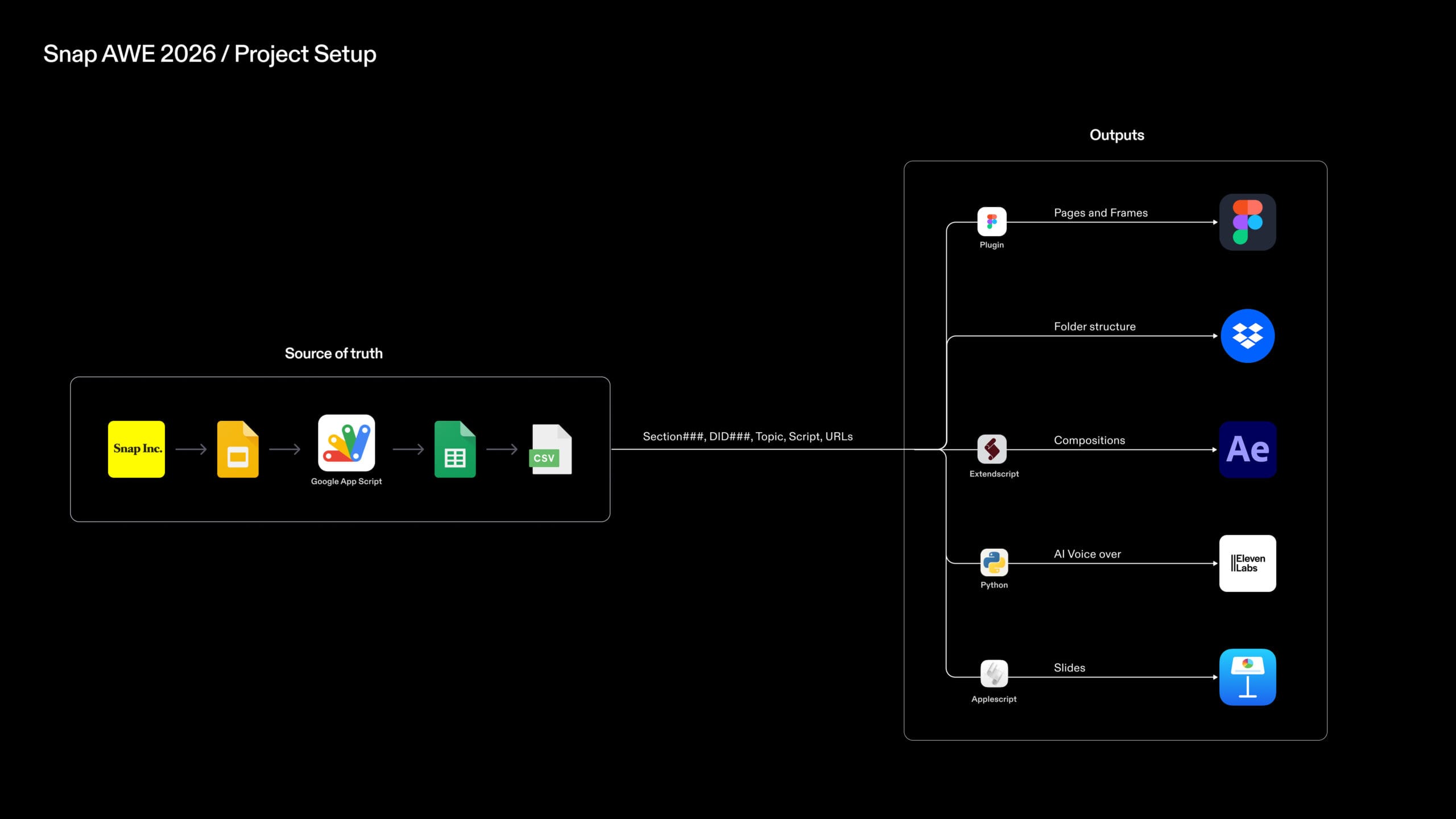
Production began with a single source of truth: a client-provided script, brought into Google Slides, then structured into a Google Sheet via Google Apps Script. From the exported CSV, custom tools (a Figma plugin, AE ScriptUI), Python, and AppleScript) automatically bootstrapped the entire project environment: Figma pages and frames, After Effects compositions, AI voiceover audio, and Keynote slides.
Figma Project Setup
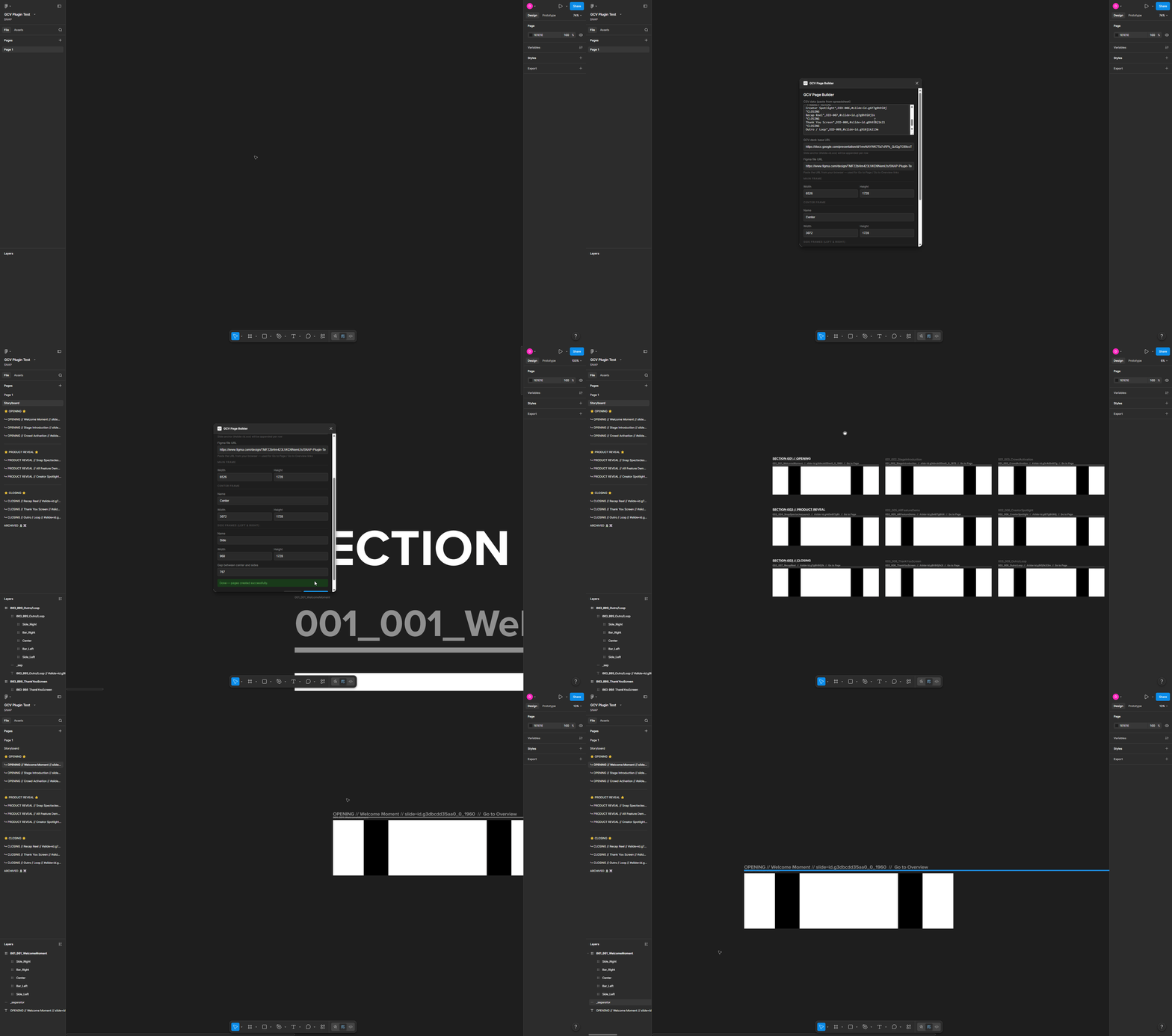
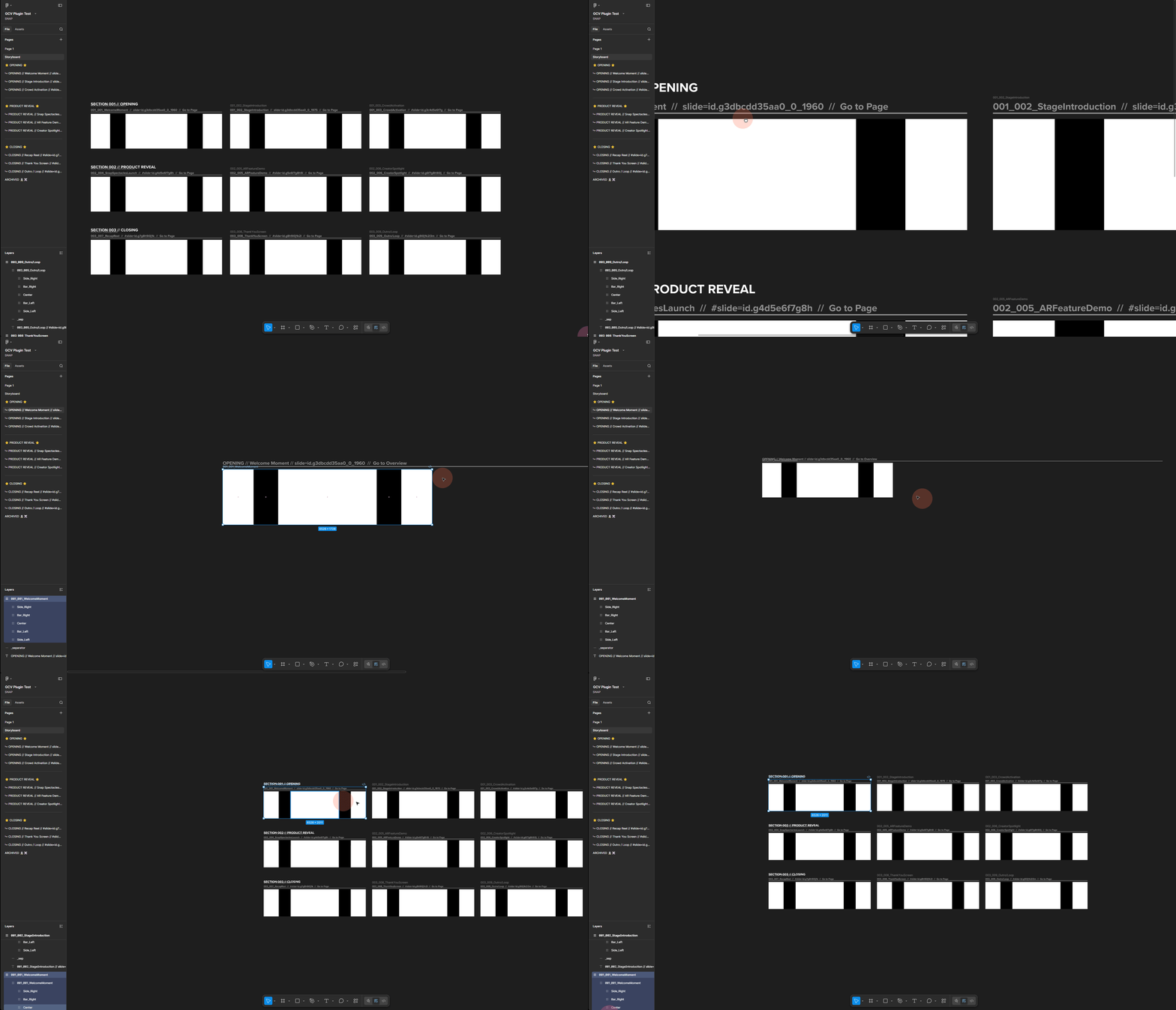
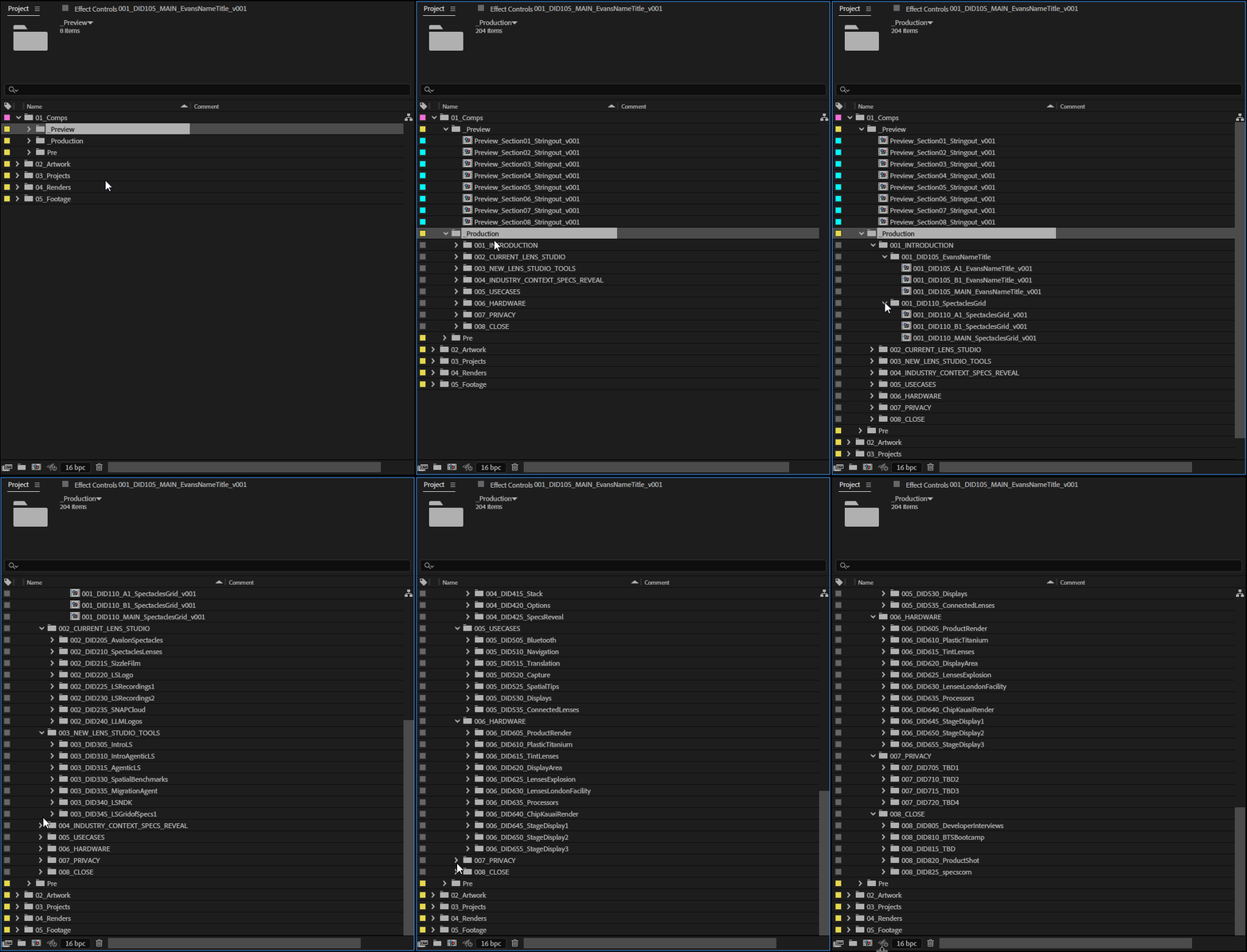
I built a Figma plugin that ingests our production spreadsheet CSV and auto-generates individual slide pages with correct naming conventions, each linking back to the client’s script in Google Slides. Artists can immediately start designing within these pages and push finals to a Storyboard page, allowing the team to step through the full presentation in Figma prototype mode without ever opening Keynote.
AE Project Setup
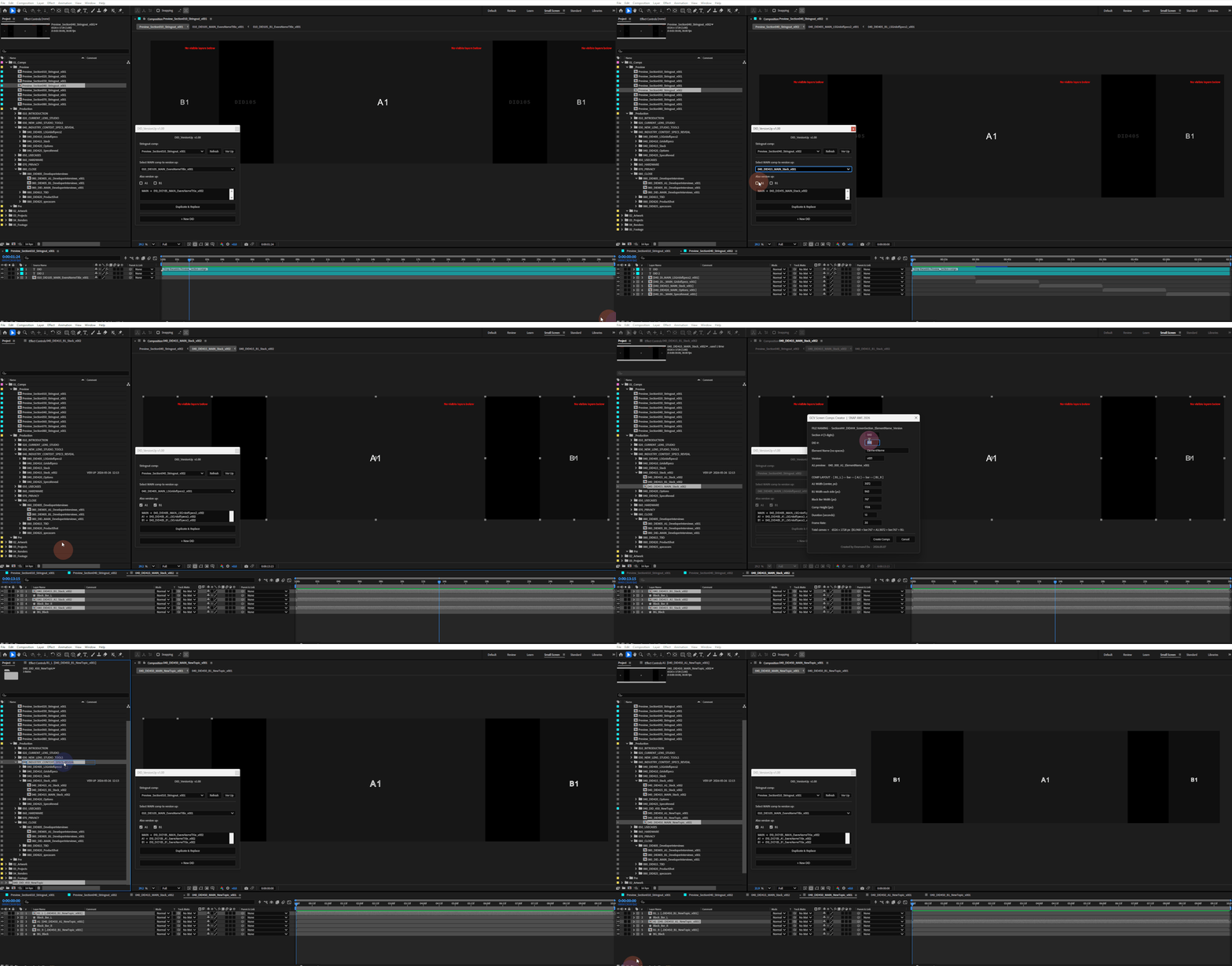
In the same vein, I built an After Effects script that ingests the production spreadsheet and automatically generates compositions for both center and side screens to specs, correctly named, organized, and ready for artists to work in.
Eliminating the manual process of parsing spreadsheet data and creating comps by hand removed a significant source of human error and saved approximately four hours of setup time per keynote. This was accompanied by a ScriptUI panel that helps artists upversion their stringout (a section-level preview of the keynote) along with individual screen previews in a 3-up layout, all with automated folder organization.
Optimizing & Splitting Renders for Keynote
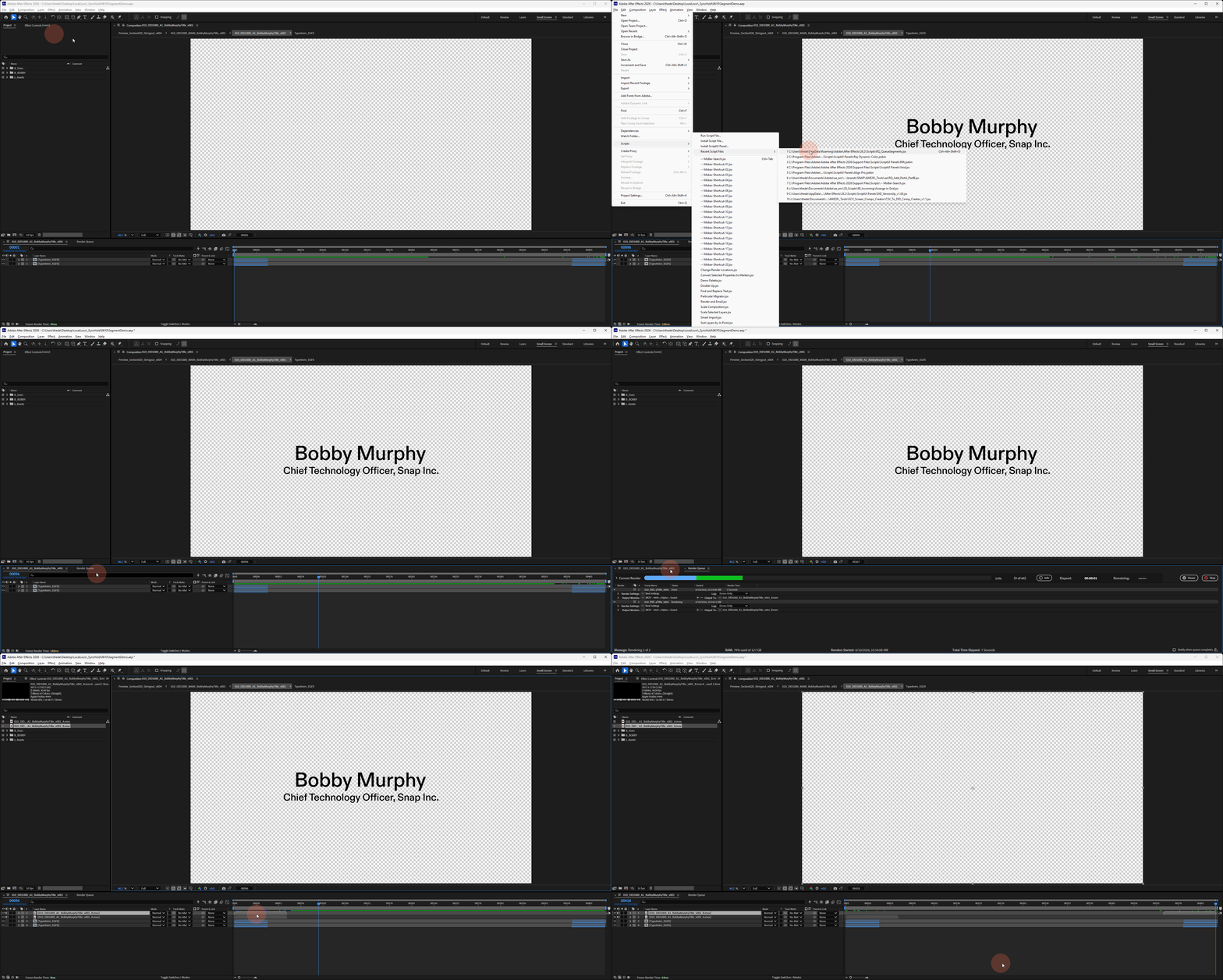
A core challenge in our workflow was that artists animated to voiceover for stringout previews, meaning most renders came in longer than needed for Keynote. Replacing media in Keynote resets its existing programming ( transitions, trim points, loop settings) making iterative updates costly.
To keep the presentation lightweight and ensure smooth playback, I built the Queue Segments script, which automatically extracts only the essential in and out moments of each render. This was critical: it kept file sizes manageable, preserved Keynote programming across updates, and gave the team a repeatable, low-friction path from animation to live presentation.
Credits
Direction
Production
Design & Animation
Post & Sound
Partners